 DomOS
DomOSHome automation you actually own
A single Go binary and a React interface, deployed together on your own PC or SBC - your own database, your own network, no cloud account required to make your lights work.
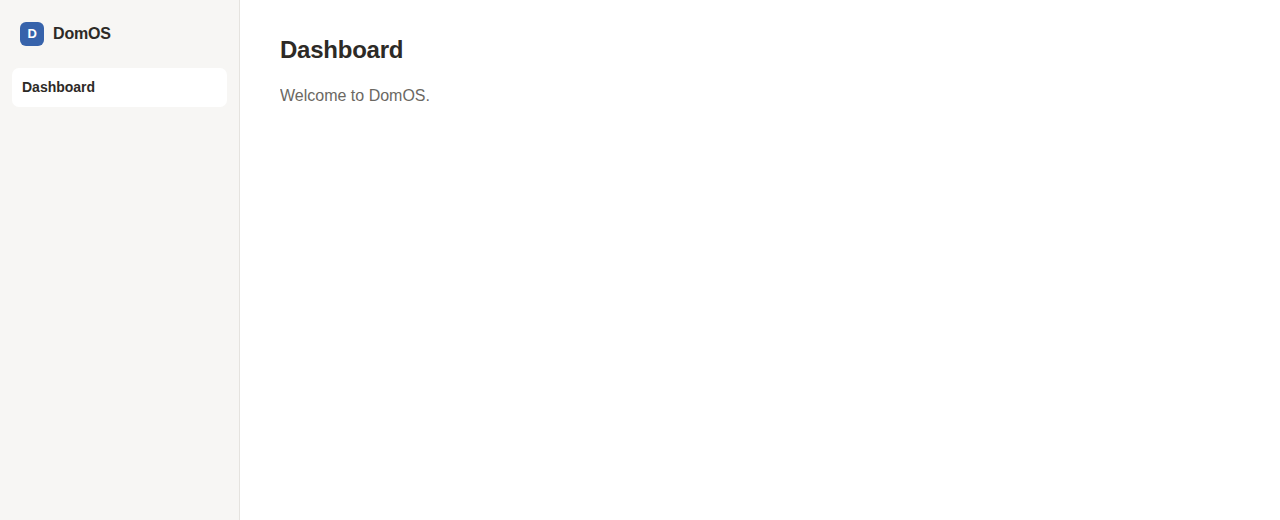
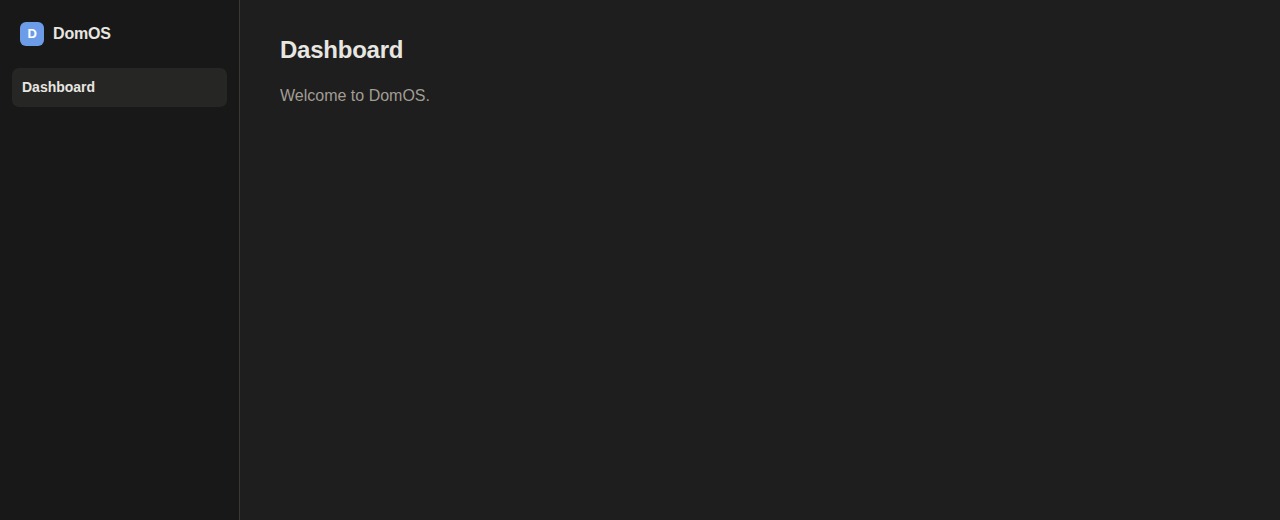
Built to run on your own hardware
DomOS is early - the automation engine itself is still being built. What's already real is the foundation it's built on.
One Go binary
Backend and frontend build separately, then ship as one small static binary - no runtime to install, no dependency hell on a Raspberry Pi.
x86, x86_64, and arm64
Runs the same way on an old PC, a NUC, or a Raspberry Pi/SBC - cross-compiled Go, no architecture-specific build to chase down.
Your own MariaDB
Every user account and setting lives in a database you run yourself - the app imports its own schema on first boot, nothing to configure by hand.
Headless-capable
A DOMOS_HEADLESS flag turns off the web UI entirely, leaving only the API - useful if something else (another automation system, a mobile app) is the only thing that ever talks to it.
No cloud account
DomOS never phones home to make your devices work. The only account that exists is the admin one you create on first boot, on your own server.
Actually simple to run
Copy the env template, set a database password, docker compose up -d. That's the whole deploy - no separate services to wire together yourself.
One image, one command
The frontend and backend are built separately, then shipped together - no separate services to wire up.
Go backend, React frontend
A React interface, built and embedded directly into a single Go binary via go:embed - the binary serves its own UI, so there's nothing else to point at what.
Your own database
A MariaDB container alongside it - the schema imports itself on first boot. Your data stays on your server, in a database only you control.
docker compose up
One command brings up the whole thing - the app and its database, healthchecked and wired together for you.
1. Download & configure
Grab docker-compose.yml and .env.example, then set a database password.
# in an empty folder
cp .env.example .env
# set DB_PASSWORD / DB_ROOT_PASSWORD
2. Run it
Pulls the published image automatically and starts the app plus its MariaDB container.
docker compose up -d
3. Create the admin account
Open the app in your browser - the first thing it asks for is a username, email, and password. That's the whole setup.